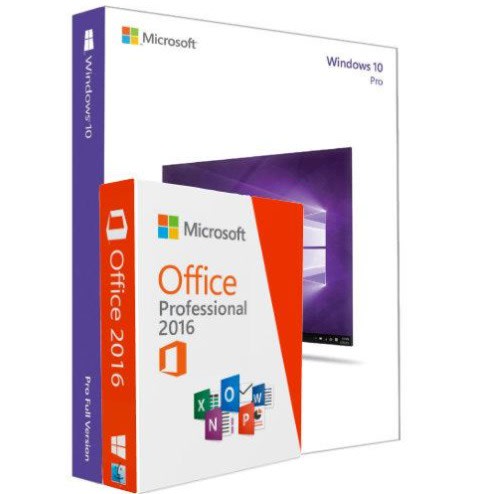
Windows 10 Pro + Office 2016 Pro - Package


Windows 10 Pro + Office 2016 Pro - Package
Get an estimate on delivery to your location.
- Pay by card, bank transfer or USSD at checkout
The Windows 10 Activation Key and the Office 2016 Pro Plus Key will be shipped to you by KONGA.
This Product include:
Windows 10 Professional product key for 1 PC only
Office 2016 Professional Plus product key for 1 PC only
How to activate Windows 10 Pro Product Key:
This Windows 10 Professional Key is valid for both 32 and 64 bit full versions for 1 PC
The first way:
1. Download and install Windows 10 Professional.
2. Open system "Control Panel" - "All Control Panel Items" - "System" and click "Activate Windows" & "Change Product Key".
3. Click "Activation" and enter your Windows 10 Pro key.
The second way:
1. Download and install Windows 10 Pro Professional.
2. Right-click "Start Menu", choose "System".
3. Click "About", then Click "Change Product Key" or "Upgrade Your Edition of Windows".
4. Click "Change product key" and Enter your Windows 10 Activation Key.
How to use Office 2016 Professional Plus Key:
This Office 2016 Professional Plus Key is valid for 1 PC
Step 1: Copy the download link that will we shipped to you into Internet Browser.
Step 2: Download the software installation folder.
Step 3: Use the Setup Launcher in the folder and install Office.
Step 4: Follow the prompts to finish the redemption process.