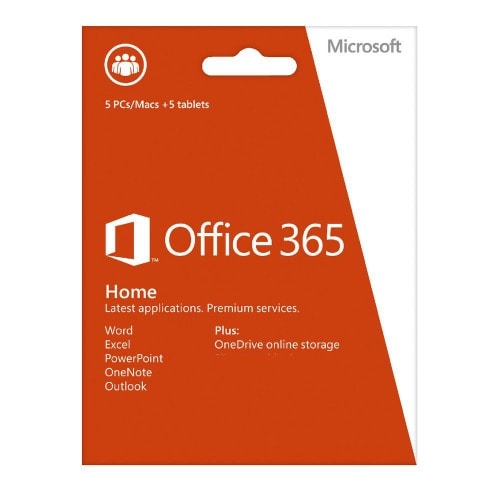

Microsoft Office 365 Home Premium Pc 5 + 5 Tablet, 1-year Subscription


Microsoft Office 365 Home Premium Pc 5 + 5 Tablet, 1-year Subscription
Get an estimate on delivery to your location.
- Pay by card, bank transfer or USSD at checkout
Microsoft Office 365 Home Premium Pc 5 + 5 Tablet, 1-year Subscription New/renewal
Microsoft Office 365 for home, advanced, PC 5 + 5 tablets, 1-year subscription, all languages
Windows 7, Windows 8, Windows 10, Windows Server 2008 R2, Windows Server 2012, Mac OS X 10 or later, Office package for Android
Ideal for families with up to 5 home PCs and 5 tablets. Subscribe for 1 year for the whole family.
Create Office in your account for full access to all services, including:
Personaliztsiya work with Office to be mounted on 5 PCs or tablets.
High-new versions of Word, Excel, PowerPoint, Outlook, OneNote, Publisher and Access.
Streaming full versions of applications with Office on Demand (requires a PC with Windows 7 or 8 operating system and an Internet connection).
If you are using Windows 8 Release Preview, be sure to pay attention to OneNote Preview in the Windows Store. Keep your records voice messages and web pages in one place with easy access, so they are always at hand
Top 10 reasons to get started with Office 365 Home Premium
1. Office is always with you
Go to your account in your application, the newly created documents and settings
It is here in the form in which you saved them.
2. Start using it is even easier
New tools help you quickly open documents with interesting patterns, as well as a list of recently viewed documents.
3. Create vivid documents
With the new wide-screen templates and variations in the Power Point, as well as with the ability to edit PDF content in Word and add online videos easily revive any document.
4. Highlight important information
New tools Fast Excel analysis - Recommended charts and animated charts - to help make the information visible.
5. Constant access to documents
When you save your documents in SkyDrive cloud, family budget and to-do list is always at hand. They are easy to share.
6. Work together more easily
Simplify the work on joint projects and objectives of the easy access to the documents, comments and recent changes.
7. Office there when needed
If you are not close to your computer, you can access the full version of Office on any PC connected to the Internet, using Office on Demand (PC running Windows 7 or 8).
8. Add multimedia content to enhance the interactivity
Add to the document images, videos, links, and other multimedia content to make the school or personal presentation more interesting.
9. Keep recording information in one place
Lead and structure a variety of information in OneNote - recording, pictures, web pages, voice recordings and other multimedia content.
10. Use of Office on Windows devices
Record your ideas in any way convenient for you - using the keyboard, a stylus or touch screen (requires Windows 7 or 8).
date and time functions, reference and search, as well as working with text.