

1080P HDMI To USB 2.0 Video Capture Device For Live Streaming


1080P HDMI To USB 2.0 Video Capture Device For Live Streaming
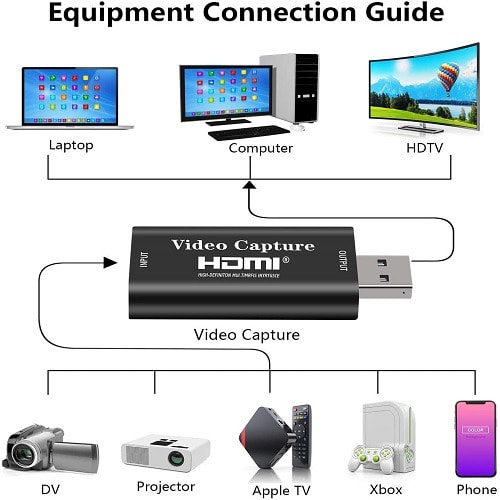
- HIGH COMPATIBILITY -- The HDMI video capture card can easily connected with your DSLR, Camcorder, or Action Cam to your PC or Mac, compatible with Windows, Mac OS and Linux. Support most acquisition software, such as VLC / OBS / Amcap, etc.
- PLUG & PLAY -- Plug & play capture card, no driver needed, so you can use the built-in functions of the current software to get a seamless experience. Especially suitable for beginner.
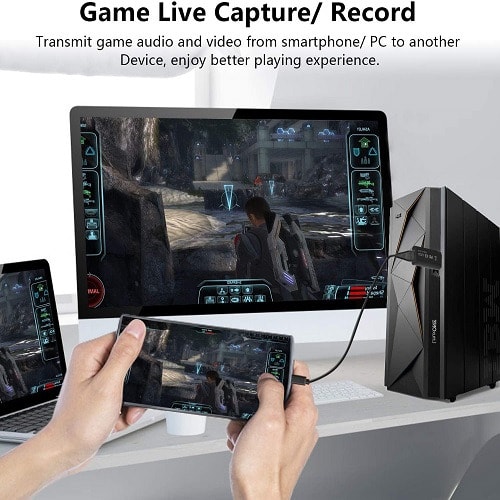
- GAME VIDEO CAPTURE -- The game capture card is suitable for devices with a HDMI output, such as PS4, Switch and etc.
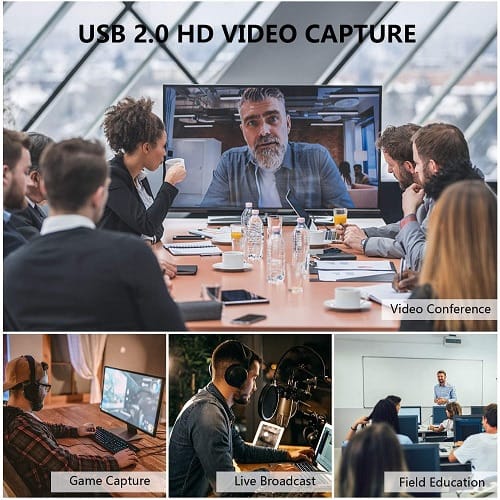
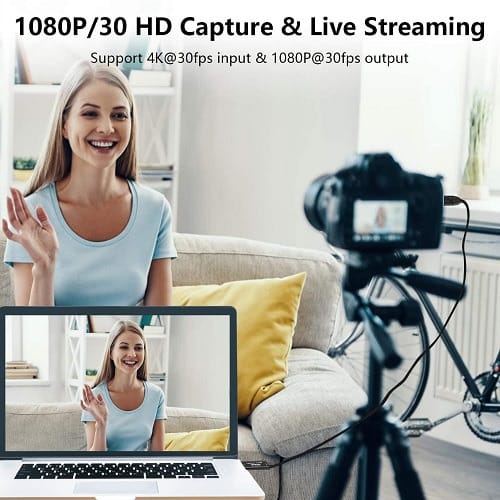
- AUDIO VIDEO CAPTURE HDMI TO USB 2.0-- Based on high-speed USB 2.0 technology, you can capture a high-definition HDMI video signal with ultra-low latency for game/ teaching recording, medical imaging, live streaming and etc.
HDMI to USB 2.0
This HDMI video capture adapter USB 2.0 channel recording of high-speed full HD screen, video recording, meeting recording, game recording and others on the computer.
Plug & Play
Easily connect with your DSLR, camcorder, or action Cam to your PC. Ideal video capture try for beginner and advanced one.
Share Video with Your Family and Friends
The best way to digitize home videos to playback on your computer, you can share all your old & precious videos on social media anytime, and share your old time with your family and friends.
- Connect the computer to the USB port of the video capture with USB cable.
- Operation steps for USB video capture:
1. Add new sources, choose “ Video Capture Device " - "USB Video"
2. Set the "Audio Output Mode"
3. Choose “Studio Mode”(double window)
4. Click “ Start Recording”
- Low PC configuration may cause lag in the recording and lower performance.
- Make sure choose right audio input device when connected many devices.
- When connect with DSLR or camera, pls finish setting of the devices, then restart to ensure signals input.
- 1 * HDMI to USB 2.0 Audio Video Capture Card