
Professional Wireless Headset - Black


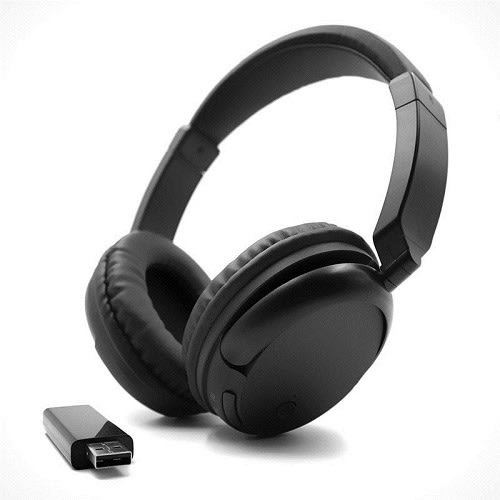
Professional Wireless Headset - Black
Get an estimate on delivery to your location.
- Pay by card, bank transfer or USSD at checkout
Headphone
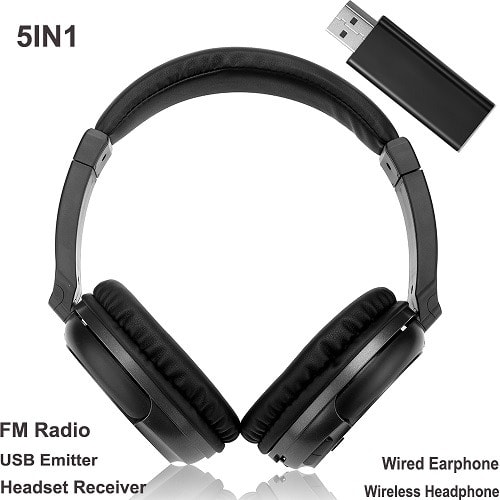
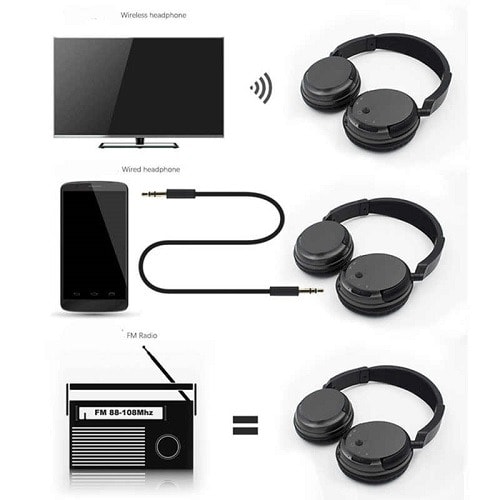
-Wireless Earphone: Wireless reception from any electrical device with audio output such as full-channel TV sound, PC, game player, DVD player, VCD player, audio device, MP3 player, and CD player.
-FM Radio: The headset can be used as FM radio separately
-Wired Earphone: Equipped with audio cable, the receiver can be used as a wired earphone.
-Reception Mode: FM
-FM Frequency: 87.5-108Mhz for FM radio
-Power Supply: Rechargeable Li-polymer battery
- Distortion: 1%
Features:
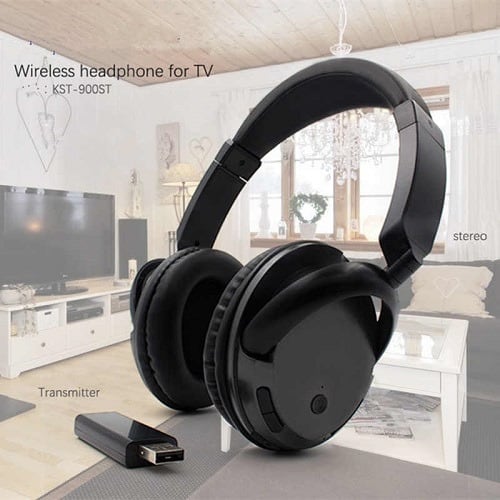
[Wireless Stereo Headphone] Insert the USB Emitter into the power bank or other clean power USB socket, then connect the emitter to the audio device using an included 3.5mm audio cable. The
headphone can receive sound after power on.
[Wired Headphone] Just directly connect the headphone and your audio device via the included 3.5mm audio cable, and it can be used as same as wired headphone. (No need to press the power
button of the headphone.)
[Supports FM Radio] The headphone can work separately as an FM radio. Turn on the headphone, press the "FM" key to search the radio channel. Good choice to enrich your spare time.
[Multi-point Connection] In wireless mode, after the Emmiter being well connected, several receivers (WS-3680 Headphones) can receive the same audio source at the same time. Emission
distance is up to 30m.
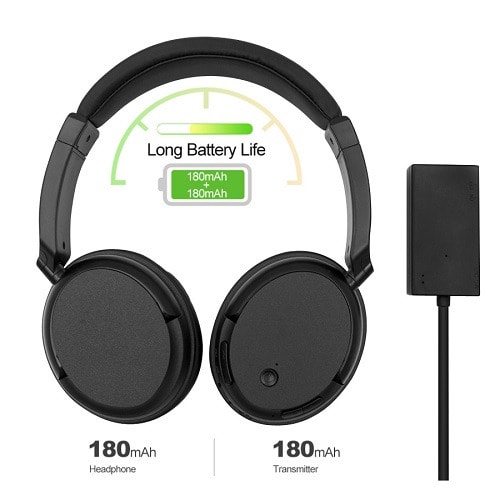
[Long Duration Time] Built-in rechargeable 200mAh Lithium battery enables 5 hours of music playing time or 10 hours of FM radio time. Compatible with almost all 3.5mm audio devices, such as
Smart Phone, MP3 player, PC, TV, and more.
Transmitter
1. Modulation Mode: FM
2. Emission Distance: 30m (with no inference)
3. Power Supply: DC 5V
Note
1. USB transmitter should keep away from the adaptor.
2. Using the power bank or PC, TV USB port electricity supply is best.
3. Recharge the batteries if the receiver reception is poor.
4. If have large noise, please turn down the headphone volume and turn up the audio device volume.
5. If the headphone receive sound is distortion, please turn down the audio device volume.