
MTN Mobile 4G LTE Wi-Fi Router Hotspot - Support All Networks


1 / 5
MTN Mobile 4G LTE Wi-Fi Router Hotspot - Support All Networks
₦55,900
Secure checkoutRefund policy
Delivery
Get an estimate on delivery to your location.
Delivery to
Choose your state to see the delivery fee and when it arrives.
- Pay by card, bank transfer or USSD at checkout
Product Description
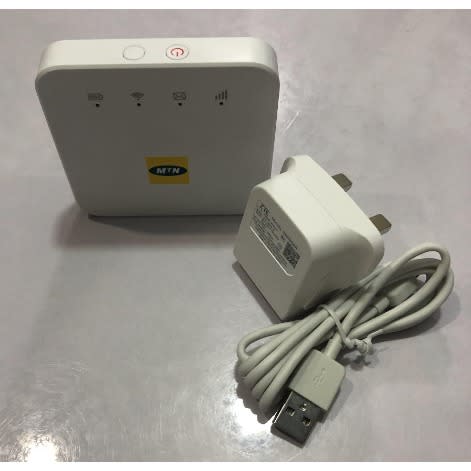
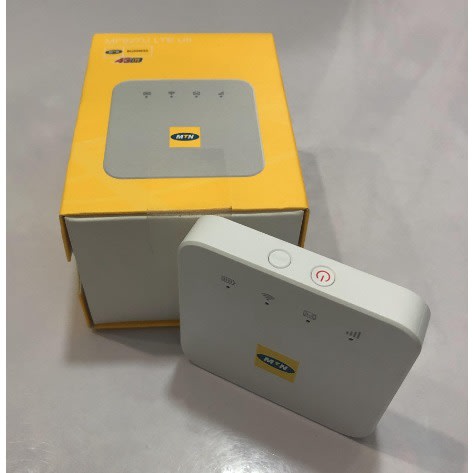
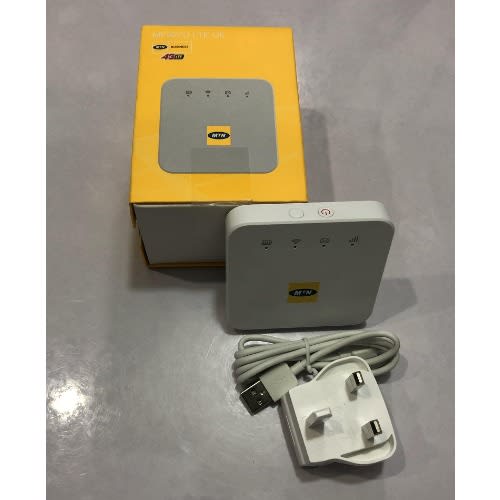
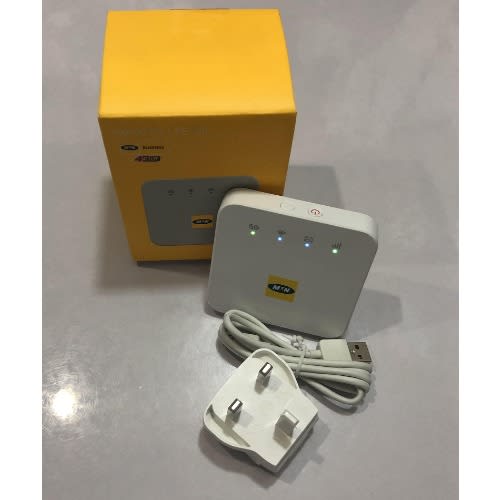
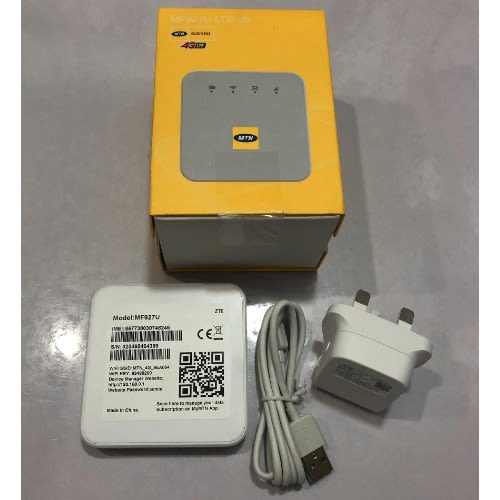
MTN ZTE Mobile Wi-Fi Model MF927U is a 4G LTE pocket size mobile internet hotspot Router that enables you to securely connect up to 32 Wifi devices at once.
Moreover it is compact, durable, and very easy to use.
- Supports All Networks Except Spectranet & Swift Networks
- Supports Ntel 4G,Airtel 4G&3G,MTN 4G&3G,Glo 4G&3G,9Mobile 4G&3G,Smile 4G
- Working Time is Up To 8 hours (2,000 mAh Non-removable battery)
- Connects up to 32 devices at once via Wi-Fi
- Superfast browsing Speed of up To 150 Mbps
- Network support 4G/ 3G / 2G /
- LTE Cat4 High Speed Download
- Able to connect with any Wi-Fi enabled device
- Wi-Fi: 802.11 b/g/
- Category is LTE Mobile WiFi
- DIMENSION is 105.6 X 64 X 14.3mm
- BATTERY capacity is 2000 mAh (Non-removable)
- MICRO SD CARD SLOT Not supported
- OPERATING SYSTEM support includes Win10, Win8, Win7, Windows XP, Vista, Mac OS
- Long Lasting 2,000mAh battery (For up to 8 hours battery duration).
- Wifi Range is up to 100 Meters
- Supports Wi-Fi 2.4GHz
- Supports 32 Multiple Users at the same time.
Features
- LTE Cat4 high speed download
- Working time up to 8 hours
- Connect up to 32 Wi-Fi devices
Getting to know Your Device
Indicator Status Description
Battery Red solid/ blinking The battery is low. Please change the battery
Green blinking The battery is being charged
Green solid The battery level is middle or high
Light off Your device is powered off and not being charged
Wi-Fi Blue solid Wi-Fi is active
Blue blinking WPS is active
Light off Wi-Fi is off
SMS Blue solid You have unread messages.
Blue blinking You have new messages or the message storage is full
Light off There is no unread message or new messages
Red The device is in error status
- The device is not registed to the mobile network
- There is no micro-SIM card inserted
- There is no network service available
Network Green solid The device is registered to the 3G/4G mobile
network.
Green blinking The device is connected to the 2G/4G mobile
network and data is being transferred.
Blue solid The device is registered to the 4G LTE network.
Blue solid The device is connected to the 4G LTE network and
data is being transferred.
The device uses your micro-SIM card to access the internet. it allows multiple clients to surf on the internet at the same time
Connecting to your Device
- Power on your device
- Ensure that your computer or other client devices have enabled Wi-Fi, and search for available wireless networks
- Select the Wi-Fi name {ssid} of your device, and click Connect
- Enter the Wi-Fi password if neccesary, and click OK
- wait until the client device is connected to your device successfully
Get the new MTN ZTE MF927U today, and you will be very happy with your purchase.
Thanks
Ratings & Reviews
Reviews come from verified buyers. Bought this item? Rate it from My account.No reviews yet. Be the first to review this item.