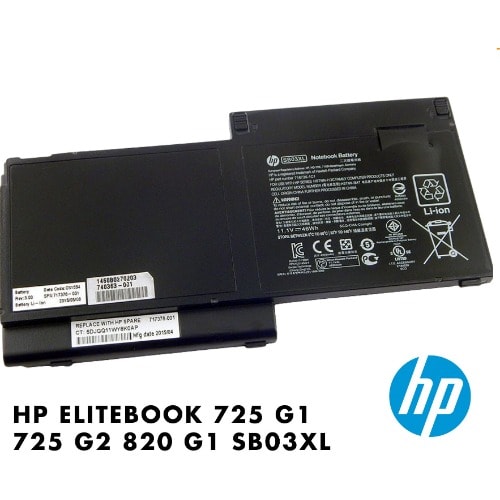

HP Elitebook 820 G2 Series Laptop Battery


HP Elitebook 820 G2 Series Laptop Battery
Get an estimate on delivery to your location.
- Pay by card, bank transfer or USSD at checkout
Before using the new replacement battery for the first time, make sure that the battery is fully charged.
Replacement batteries need breaking in: fully charge the notebook battery, discharge it down to 20% remaining and then fully charge it again, repeat 3-4 times to break-in the notebook battery and get it to charge to its maximum
· Do not impact, drop, crush, pierce, throw or hit your laptop battery pack, as it can damage the battery cell inside.
· Lithium Ions can be ruined if the voltage drops below a certain level, avoid letting your notebook battery drain completely and repeatedly.
· Do not store your laptop away for extended periods with the battery attached. Please remove the replacement battery pack from the notebook before storing it away.
· Fully charge/discharge battery up to 4 cycles before achieving full capacity of a new battery
Fully charge and discharge the replacement laptop battery every two to three weeks for battery conditions