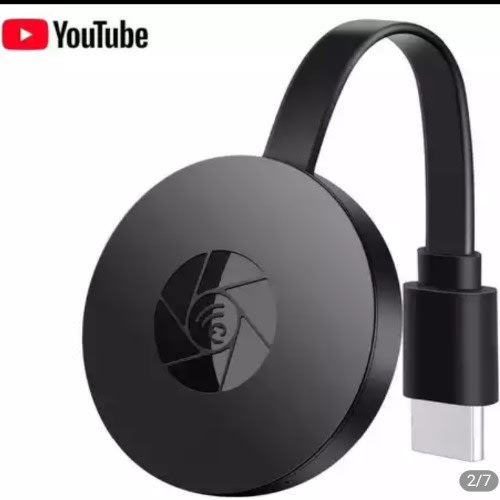
Wifi Wireless Dongle Tv Stick Hdmi-compatible Hd 1080p Chromecast


Wifi Wireless Dongle Tv Stick Hdmi-compatible Hd 1080p Chromecast
₦14,050
Secure checkoutRefund policy
Delivery
Get an estimate on delivery to your location.
Delivery to
Choose your state to see the delivery fee and when it arrives.
- Pay by card, bank transfer or USSD at checkout
Product Description
Set up:
Install the miracast to TV.
(if you connect the miracast to TV HDMI 1, and you should adjust TV screen to HDMI 1 signal source also.)
for Android
Step 1. Waiting for MiraScreen main screen after power on.
Step 2. Find the Miracast function on your Android device (such as screen mirroring/Miracast/smart view).
Step 3. Select MiraScreen as target and wait for connection.
Step 4. Your Android screen will be shown on your TV.
for iPhone
Step 1. Waiting for MiraScreen main screen after power on.
Step 2. Connect your phone with MiraScreen Hotspot via WIFI(Get SSID and password on screen).
Step 3. Turn on Airplay and select MiraScreen's SSID. You phone screen will be shown on your TV.
*Connect home WiFi Router to share some app video to TV
(you can cast a video to TV and you can use your phone to chat, search internet...)
Step 4: Launch browser (//192.168.203.1) on your phone to setup internet for MiraScreen(Choose your home router signal).
Step 5. Enter password(The password of you home WIFI). Connect to your home WiFi router.
Ratings & Reviews
Reviews come from verified buyers. Bought this item? Rate it from My account.No reviews yet. Be the first to review this item.