


Get an estimate on delivery to your location.
- Pay by card, bank transfer or USSD at checkout
PLS READ!!! IMPORTANT INFORMATION ABOUT THIS PRODUCT:
This Virtual Machine is licensed through the Education Community.
It contains the same features and functionalities that are available to industry professionals through a commercial/paid product subscription.
Licence Type: Student Licence
Validity: Lifetime
No of Users: Unlimited
Delivery Mode: Physical Shipping
Operating System: Windows
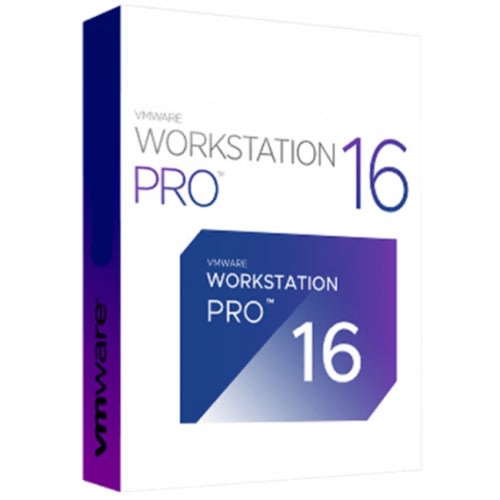
VMware Workstation Pro 16 lets you run multiple operating systems as Virtual Machines (including Windows VMs) on a Single Windows or Linux PC.
VMware Workstation Pro 16 Overview
VMware Workstation Pro is the industry standard for running multiple operating systems as virtual machines (VMs) on a single Linux or Windows PC. IT professionals, developers, and businesses who build, test, or demo software for any device, platform, or cloud rely on Workstation Pro.
Workstation Pro delivers a desktop virtualization solution designed for every kind of user. IT pros get a high-powered productivity tool. Developers get an expansive engineering environment. Business leaders can enable BYO initiatives. Students and home users get the best of all worlds.
Features of VMware Workstation Pro 16
- Run Multiple OSs on a Single PC
- Connect to VMware vSphere
- Develop and Test for Any Platform
- Secure and Isolate Environments
- VSphere Connectivity
- Clones for Rapid Duplication
- Helpful Snapshots
- Powerful Virtual Networking
- VCenter Server Appliance Effortless Deploy
- Remote vSphere Host Power Control
- Microsoft Virtualization Based Security (Guest) Support
- Virtual Trusted Platform Module
- Virtual Network Simulation (packet loss, latency)
- Virtual Network Rename
- UEFI Boot Support
- UEFI Secure Boot Support
System Requirements and Technical Details
- Supported OS: Windows 7/8/10
- 64-bit x86 Intel or AMD Processor from 2011 or later
- 1.3GHz or faster core speed
- 2GB RAM minimum/4GB RAM recommended
- 1.2 GB of available disk space for the application